
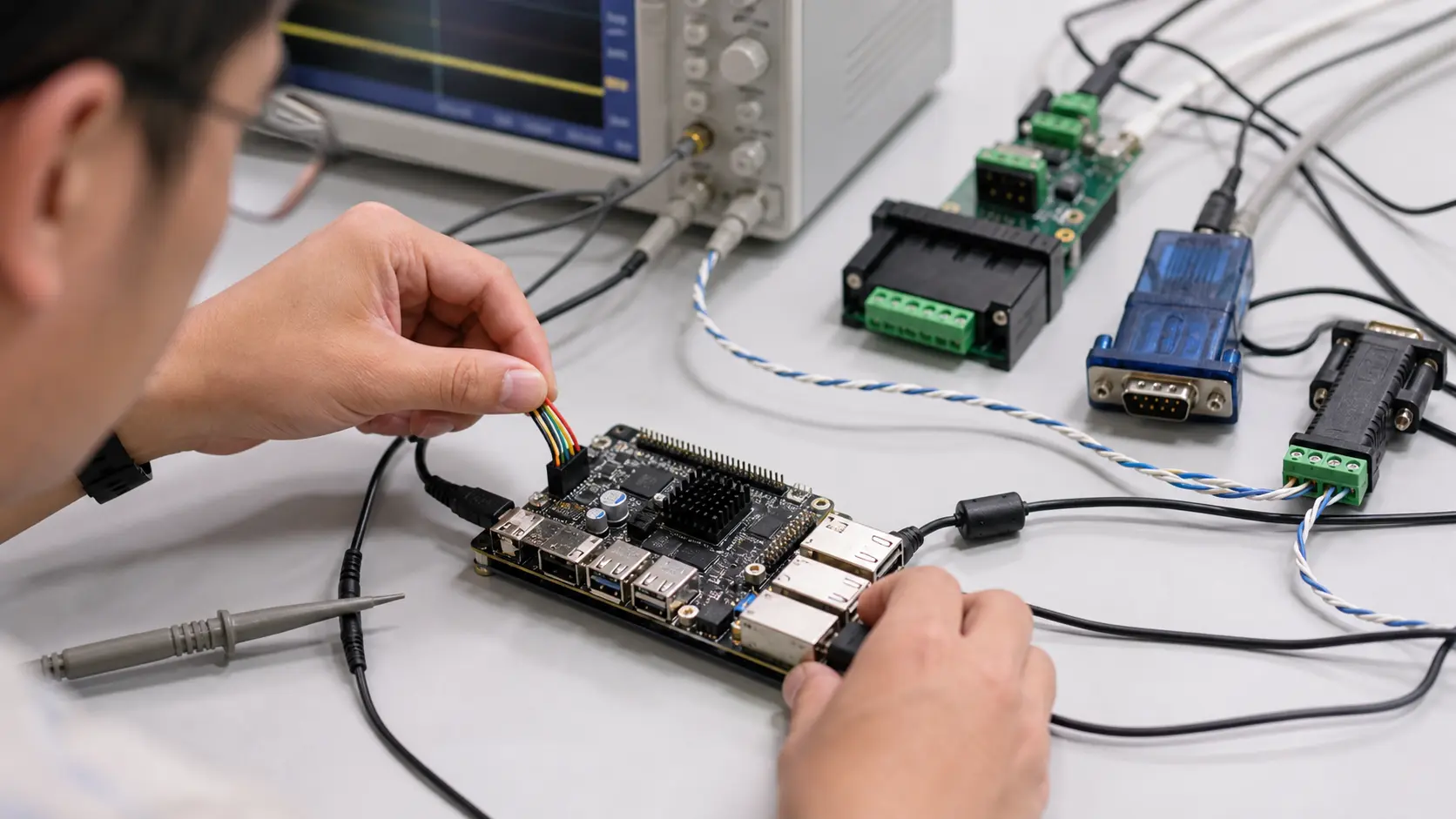
Most Android SBCs expose at least one UART header on the pinout. What that label means for your wiring, your cable run, and your noise budget depends on which layer of the serial stack you’re actually working with. UART, RS-232, and RS-485 are often treated as interchangeable terms on spec sheets and forum posts. They aren’t — and conflating them costs time on the bench and occasionally destroys hardware.
This article covers the practical differences between the three, with enough depth to make the right choice for Android SBC integration projects.
UART: The Protocol, Not the Physical Interface
UART (Universal Asynchronous Receiver/Transmitter) is a communication protocol implemented in silicon. It defines the framing — start bit, data bits, optional parity, stop bits — and the timing relationship between transmitter and receiver. What it does not define is the voltage levels on the wire.
On most Android SBCs built around RK3566, RK3568, or MT8788, UART pins operate at 3.3 V logic. A logic high is 3.3 V; a logic low is 0 V. That’s fine for connecting directly to another 3.3 V device on the same board or nearby module. It’s not fine for running a cable across a machine enclosure.
UART by itself has no noise immunity, no defined cable standard, and no specification for drive current over longer runs. It’s a chip-to-chip interface. Think of it as the engine — RS-232 and RS-485 are different chassis you can bolt it into.
RS-232: Point-to-Point Over Modest Distances
RS-232 was standardized in 1960 and remains common in industrial equipment, PLCs, barcode scanners, and legacy instrumentation. It takes the UART signal and translates it to higher voltage levels that can survive a few meters of cable and connector noise.
RS-232 uses single-ended signaling. A logic high (mark) is between −3 V and −15 V; a logic low (space) is between +3 V and +15 V. The inverted polarity surprises people the first time. A MAX3232 or SP3232 chip handles level translation between the SBC’s 3.3 V UART and the RS-232 line voltages — this is a standard component on most serial adapter boards.
RS-232 is strictly point-to-point: one transmitter, one receiver, no bus sharing. Maximum recommended cable length is 15 m at 9600 baud, though shorter is always better. Speed tops out around 1 Mbps under ideal conditions, but most RS-232 devices in the field run at 9600 or 115200 baud.
Where RS-232 breaks down: cable runs longer than a few meters in electrically noisy environments — near motor drives, welding equipment, or variable frequency drives. Single-ended signaling picks up common-mode interference and becomes unreliable.
RS-485: Differential Signaling for Industrial Environments
RS-485 solves the noise problem with differential signaling. Instead of measuring voltage relative to ground, the receiver looks at the voltage difference between two wires (typically labeled A and B, or D+ and D−). Common-mode noise that couples equally onto both wires cancels out at the receiver. This is why RS-485 works in environments where RS-232 fails.
The practical consequences are significant:
- Cable runs up to 1200 m at low baud rates. At 10 Mbps the limit drops to roughly 12 m, but most industrial RS-485 deployments run at 115200 baud or slower, where 300–500 m is achievable with decent cable.
- Up to 32 standard unit loads on a single bus. Newer low-load driver ICs support 128 or 256 nodes.
- Tolerates ground potential differences between nodes — a real problem in large industrial installations where equipment is powered from different distribution panels.
RS-485 is half-duplex by default. All devices share the same two wires, and only one can transmit at a time. Full-duplex RS-485 (four-wire) exists but is uncommon. Half-duplex requires explicit bus arbitration or a master/slave protocol — Modbus RTU being the most common in industrial automation.
The trade-off versus RS-232: RS-485 requires termination resistors (typically 120 Ω) at each end of the cable, plus failsafe bias resistors to define bus state when no driver is active. Getting termination wrong produces reflections and intermittent failures — especially at higher baud rates and longer distances.
Side-by-Side Comparison
| Feature | UART (bare) | RS-232 | RS-485 |
|---|---|---|---|
| Signal type | Single-ended, logic level | Single-ended, ±3 V to ±15 V | Differential |
| Voltage levels | 3.3 V or 5 V | ±5 V to ±12 V | ±1.5 V to ±5 V (differential) |
| Max cable length | <1 m (PCB traces) | ~15 m @ 9600 baud | ~1200 m @ low baud |
| Max baud rate | ~4 Mbps (chip-limited) | ~1 Mbps | ~10 Mbps (distance-limited) |
| Devices per bus | 1:1 only | 1:1 only | Up to 32 standard, 256+ with low-load ICs |
| Noise immunity | Poor | Moderate | High |
| Duplex | Full | Full | Half (typically) |
| Termination needed | No | No | Yes (120 Ω at each end) |
| Typical use | Board-to-board, debug | POS terminals, legacy instruments | PLCs, Modbus networks, sensors, field buses |
Working With Serial Interfaces on Android SBCs
Android SBCs expose UART at 3.3 V logic. To use RS-232 or RS-485, you need a level translator — either a discrete IC or an adapter module.
For RS-232: a MAX3232-based module (widely available, $2–5) converts the SBC’s UART to RS-232 levels. Connect TX, RX, and GND; the SBC software sees a standard /dev/ttyS* device node and treats it like any serial port. No driver changes required.
For RS-485: a SP3485 or MAX485-based module handles differential translation. Half-duplex RS-485 also needs a direction control signal (labeled DE/RE — Driver Enable / Receiver Enable). On some adapter boards this is tied to the RTS line; on others it’s a separate GPIO. This matters: you need to confirm the serial driver or application correctly toggles the direction pin before and after each transmission. Failing to do so means transmitted bytes never reach the bus or the receiver stays disabled after sending.
USB-to-RS485 adapters (FTDI FT232 or CH340-based) sidestep the direction pin problem entirely — they handle bus direction internally and enumerate as /dev/ttyUSB0. Useful for retrofitting RS-485 onto an SBC without touching hardware UART. The downside is latency: USB adds a few milliseconds of overhead, which matters for time-sensitive Modbus polling with tight response windows.
For RS-232 debugging during Android bring-up, the hardware UART is almost always the debug console. Check the SBC vendor’s BSP documentation before repurposing that UART for application use — on many boards it’s claimed by the bootloader and kernel log.
Which Interface to Use
Bare UART is for short-range, board-to-board connections: GPS modules, Bluetooth coprocessors, debug consoles, or any device mounted on the same assembly.
RS-232 is for legacy peripherals that require it — POS printers, barcode scanners, industrial controllers from the 1990s and 2000s. Don’t spec RS-232 for new designs if you have a choice.
RS-485 is the right pick for multi-node networks, cable runs beyond 5–10 m, or any installation in an electrically noisy environment. If your Android SBC needs to talk to PLCs, field instruments, energy meters, or motor drives, RS-485 with Modbus RTU is the dominant protocol and the safe default.
One mistake worth naming explicitly: engineers see “UART” on an SBC pinout, assume it means RS-232, and connect it directly to a DB9 connector. That either produces no communication (voltage mismatch) or causes damage if the RS-232 device drives ±12 V back into a 3.3 V GPIO. A level translator is a $3 part. Add it.