
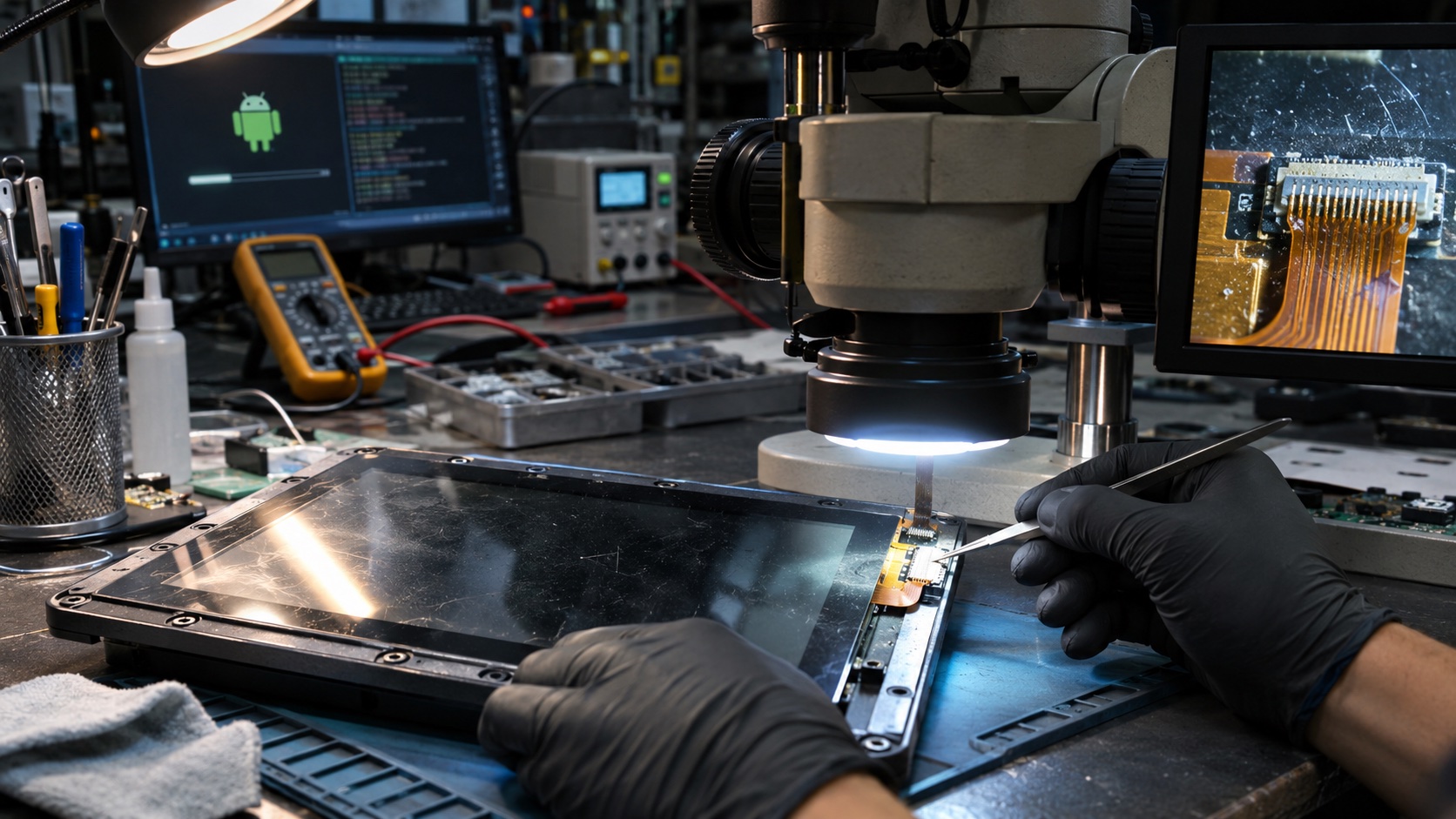
A returned Android terminal that works after a factory reset has not necessarily been diagnosed. The reset may erase the failing database, logs, network configuration, and update state that would have explained the complaint.
Failure analysis should preserve the as-received condition, establish the reported symptom, compare against a controlled baseline, and test hypotheses one at a time. Recovery and diagnosis are related, but they are different activities.
Record the return before powering it
Capture serial number, hardware and software identity if available, customer complaint, installation conditions, accessories, power supply, cables, and photographs of the packaging and device.
Inspect for liquid, corrosion, impact, loose connectors, damaged seals, contamination, and previous repair. Use the organization’s appropriate handling procedure if the unit shows electrical or battery damage.
Keep accessories with the unit. A faulty adapter or cable may be the actual cause, and replacing it with a lab supply can hide the problem immediately.
| Intake item | Why it matters | Evidence |
|---|---|---|
| Customer symptom | Defines the failure to reproduce | Exact sequence and observed result |
| Installation | Reveals power, heat, and network conditions | Photos and environment notes |
| Unit identity | Connects to manufacturing records | Serial, lot, hardware revision |
| Accessories | May contain the root cause | Adapter and cable identifiers |
| Physical state | Can reveal handling or environmental damage | Before-cleaning photographs |
| Prior actions | Explains altered evidence | Resets, updates, repairs, and tests |
Preserve volatile and persistent evidence
Decide what can be collected without changing the state. Logs, reset causes, storage health, application database copies where authorized, and update metadata may all be useful.
Document every action. Powering the unit can rotate logs, clear a reset register, synchronize time, or install a pending update. A diagnostic connection can also alter USB roles or power behavior.
Use read-only collection methods where practical and protect sensitive customer data. Restrict access and redact reports to the information required for engineering.
Do not run a generic “cleanup” script before analysis. Removing old files may eliminate the storage-pressure condition that caused the failure.
Reproduce the reported workflow
Write a concrete reproduction procedure from the complaint. Include starting state, input sequence, timing, peripherals, network, power source, and expected result.
First try the as-received configuration under controlled observation. Then reproduce the installation constraints that differ from the lab: long cables, weak radio, high ambient temperature, or intermittent supply.
Measure the symptom. “Slow” should become a transaction latency distribution, boot delay, or frame pause. “Random reboot” should be classified by reset evidence and rail behavior.
The watchdog guide and power-loss guide help separate software resets from supply interruptions.
Compare with a matched reference
Use a known-good unit with the same hardware revision, image, peripherals, and configuration. A newer board running a different BSP is not a clean control.
Compare power, temperature, logs, storage health, bus errors, and workload behavior. Differences should generate hypotheses, not immediate conclusions.
If swapping a part, change one item at a time and preserve the original. A simultaneous board, cable, and image replacement may restore operation but cannot isolate the cause.
The golden sample guide explains how to maintain references that make these comparisons meaningful.
Build a hypothesis table
List plausible causes, evidence supporting them, evidence against them, and the next discriminating test. Prioritize tests that separate several causes with minimal disturbance.
For example, a black screen could involve panel power, backlight, eDP training, Android composition, or the application. A flashlight test and rail capture can narrow the problem faster than reflashing.
| Symptom | Candidate cause | Discriminating test |
|---|---|---|
| Reboots under radio load | Supply dip or thermal event | Rail and temperature capture with reset cause |
| Slow boot | Storage, retries, migration | Stage timing and I/O evidence |
| Intermittent touch | Noise, grounding, moisture | Controlled power and grounding comparison |
| Network connected but unusable | DNS, routing, time, authentication | Layered connectivity and service checks |
| App loses records | Commit or reconciliation error | Transaction trace across interruption |
| Failure after warming | Thermal margin or contact expansion | Controlled temperature reproduction |
Keep hypotheses falsifiable. “Bad Android” is not a useful cause because it does not identify a test or corrective action.
Use stress carefully
Temperature, vibration, cable movement, and repeated power cycles can expose intermittent faults. Apply them within a defined test plan and record conditions.
Do not begin with destructive stress if the original failure has not been captured. A new damage mechanism can obscure the returned condition.
When a fault appears, freeze the configuration and collect evidence before reseating or rebooting. Intermittent failures are easy to lose.
Repeat the trigger enough to establish a relationship. One failure during a hot test does not prove temperature caused it; compare controls and alternate explanations.
Distinguish cause from consequence
A corrupted file may result from brownout rather than defective storage. High CPU use may follow a peripheral retry loop rather than cause the original issue.
Build an event sequence using timestamps, monotonic intervals, reset records, and external measurements. Note uncertainty where clocks or logs are incomplete.
Check whether the suspected cause explains all observations, including why other units do not fail. If it only explains one symptom, the model may be incomplete.
Avoid replacing a component solely because it is near a hot spot. Measure its behavior and compare against requirements.
Verify the corrective action
A repair is proven when the original failure can no longer be reproduced under the same trigger and the change does not break adjacent functions.
Run regression tests appropriate to the cause. A power fix may require startup, peak load, EMC, and thermal checks. A database fix may require migration, rollback, process death, and network uncertainty tests.
Record the before-and-after configuration and results. Keep a representative failed part or image when useful for future validation.
If the cause remains uncertain, label the disposition honestly as symptom recovered or no fault found. Do not call it root-cause closure.
Connect findings to the fleet and factory
Use serial and lot records to determine whether the issue is isolated or potentially systemic. Compare hardware revisions, component lots, software versions, and deployment conditions.
Review the component-change record for unnoticed correlations. A field cluster may begin after a supplier substitution or factory process change.
Update production tests when a detectable manufacturing fault escaped. Update design validation when the fault requires conditions the factory cannot reasonably reproduce.
Give support a practical detection and recovery instruction, with clear limits. A workaround should not silently become the permanent product specification.
Frequently asked questions
Should a returned unit be reflashed immediately?
Usually collect the relevant evidence first. Reflashing changes the state and may remove the only path to reproduce the issue.
What does “no fault found” mean?
It means the reported failure was not reproduced under the tested conditions. It does not prove the customer did not experience a fault.
Is replacing the board enough to close the case?
It may restore service, but engineering closure requires evidence about cause, affected population, and the effectiveness of the corrective action.
Case closure
Keep the complaint, as-received evidence, reproduction method, hypotheses, tests, cause confidence, repair, regression results, and fleet action in one record. A useful analysis leaves the next engineer with a reproducible explanation, not just a repaired unit.