
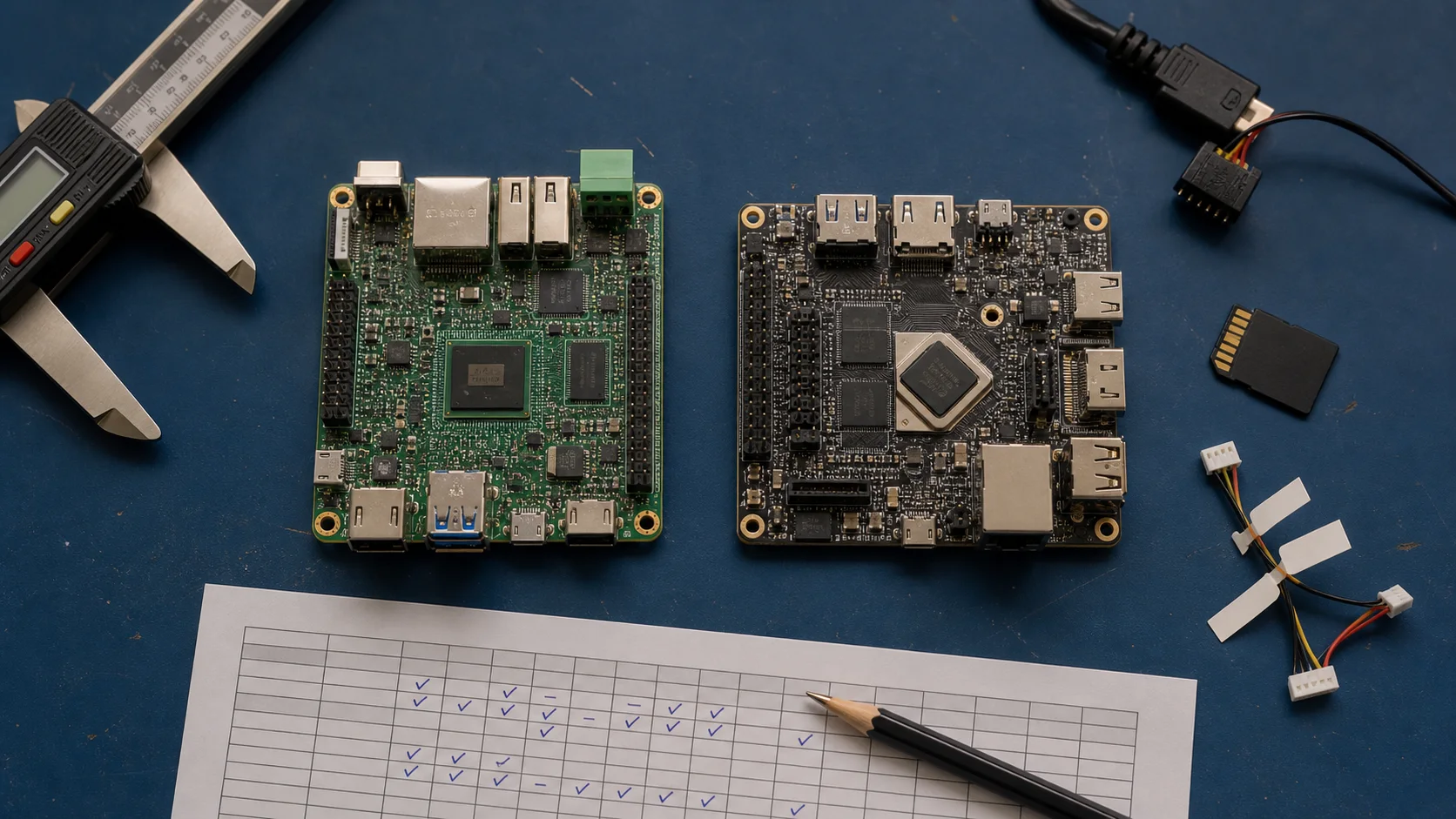
Two Android boards can use the same SoC, carry the same memory, and behave like completely different products. The difference is usually not visible in the processor table. It sits in the board support package: kernel branches, bootloader changes, device trees, HALs, binary firmware, build scripts, update tools, and the people who maintain them.
The usual procurement mistake is to treat “Android 14 supported” as a deliverable. It is only a label until the supplier can reproduce an image, explain what changed from the silicon vendor baseline, and show that the interfaces needed by your product work on the actual hardware revision.
Evaluate the BSP before approving the board. A week spent here can prevent a year of owning code that nobody on the project understands.
Ask what the BSP actually contains
Request an inventory, not a download link: Android release and patch level, kernel branch, bootloader, proprietary binaries, toolchain, build instructions, flashing tools, factory image, OTA method, and known limitations.
Then ask who owns each layer. The board vendor may maintain the device tree but depend on the SoC vendor for GPU and video binaries. A contract manufacturer may package releases but have no engineer who can change a camera HAL. These are normal supply-chain arrangements. The risk appears when nobody will name the owner or response path.
| BSP area | Evidence to request | Warning sign |
|---|---|---|
| Reproducible build | Clean build instructions, pinned sources, tool versions, output hashes | “Use this engineer’s workstation” |
| Kernel and bootloader | Source, patches, defconfig, device tree, license notices | Source does not match shipped binaries |
| HALs and firmware | Version list, ownership, redistribution terms | Unversioned binary folder |
| Peripheral support | Test results on the quoted board revision | Datasheet checkmarks only |
| Compatibility | CTS/VTS reports and documented waivers | “Android boots, so it is compatible” |
| Update path | Signed full/incremental packages, rollback and recovery test | Manual reflash is called OTA |
| Maintenance | Release cadence, patch policy, named escalation route | Support ends after sample approval |
Do not demand that every component be open source. Commercial graphics, video, Wi-Fi, and modem stacks often contain redistributable binaries. Demand traceability: exact versions, compatible source baseline, licensing rights for production, and a way to obtain the same artifacts later.
Rebuild the image before trusting it
The strongest early BSP test is simple: give a clean machine and the supplier’s package to an engineer who did not prepare the original environment. Ask that engineer to produce a flashable image without private chat instructions.
Record missing repositories, expired credentials, hard-coded paths, prompts, and downloads that change between runs. A build that fetches “latest” dependencies may produce a different image six months later from the same source revision.
Compare the result with the supplier release. Timestamps and signing may prevent identical hashes, but partition layout, build properties, kernel configuration, firmware, and behavior should be explainable.
This review belongs beside the broader Android board selection criteria. CPU and I/O narrow the shortlist. A reproducible BSP decides whether the shortlist can survive production.
Test the exact product interfaces
A booting launcher proves the display, storage, and some graphics path work. It says little about the product. Build an interface acceptance matrix from your requirements and exercise every item through cold boot, warm reboot, suspend/resume, repeated cable insertion, network loss, and long runtime.
Use production parts where possible: the intended MIPI panel and timings, touch controller firmware, USB scanner, RS-485 transceiver, camera module, audio codec, and Wi-Fi module. A touchscreen integration issue can sit between the kernel driver, input configuration, display rotation, and application. The component being visible in Linux is not the same as correct Android behavior.
Check simultaneous load. Camera capture may work until Wi-Fi traffic and display composition compete for memory bandwidth. Two serial ports may pass loopback individually and drop frames when the CPU enters a low-power state. Engineers find these problems by recreating the product workload, not by running isolated demos.
Use compatibility tests as evidence, not decoration
Google’s Compatibility Test Suite checks Android API and platform behavior. The Vendor Test Suite targets the kernel and HAL layer. Ask for the exact report, build fingerprint, device revision, date, failed modules, and disposition of every waiver.
A screenshot saying “CTS passed” is weak evidence. Test reports should be tied to a release artifact that your team can flash. And if your product does not require Android compatibility or GMS, CTS still has diagnostic value. It exposes changes that can break ordinary Android applications.
Do not stop at CTS/VTS. Add product tests for boot time, display sleep/wake, peripheral permissions, storage pressure, watchdog recovery, thermal throttling, and a 72-hour soak. Standard suites do not know your relay must return to a safe state after reboot.
Inspect update and recovery support
Ask the supplier to demonstrate an update from the oldest release you expect to support to the proposed current release. Interrupt power during download, installation, first boot, and any snapshot merge. Verify that device identity and application data follow the documented rules.
The companion guide on Android OTA updates covers A/B and rollback in detail. During BSP selection, the practical questions are narrower:
- Is boot control implemented and tested on this board?
- Are full and incremental packages generated by a documented process?
- Who holds production signing keys?
- Can the device reject a package for another SKU?
- Is there a signed factory recovery image?
- Can a technician recover the unit without vendor-only credentials?
If these answers arrive after purchase-order approval, leverage has already moved to the supplier.
Price maintenance, not only customization
Put measurable maintenance outputs in the support agreement: Android branch, patch cadence, severity-based response time, supported board revisions, binary redistribution, critical-CVE handling, release notes, regression scope, and end-of-support notice.
Ask for one sample change before committing. A small device-tree adjustment or driver bug is enough to observe how the supplier receives a report, reproduces it, sends a patch, builds an image, and documents the release. That workflow tells you more than a slide deck.
Keep a decision log for accepted limitations. Perhaps hardware video decode does not cover one codec, the second MIPI camera cannot run at full rate, or suspend is intentionally disabled. A known constraint can be engineered around. An undocumented one becomes a field surprise.
Run a five-day BSP evaluation
A compact evaluation can fit into one engineering week if hardware is available.
| Day | Work | Required output |
|---|---|---|
| 1 | Inventory sources, binaries, licenses, tools, and ownership | BSP bill of materials and gap list |
| 2 | Build from clean environment and flash two boards | Reproducible build record |
| 3 | Exercise all product interfaces under combined load | Interface acceptance matrix |
| 4 | Run update, recovery, power-cut, and storage-pressure tests | Failure log with recovery result |
| 5 | Review CTS/VTS, patch policy, release process, and commercial terms | Go/no-go report with conditions |
Use at least two boards. A single sample can hide marginal memory, connector damage, or an accidental engineering modification. Photograph hardware revisions and store serial numbers with test evidence.
Frequently asked questions
Is a newer Android version always a better BSP?
No. A maintained older branch with working drivers, repeatable builds, and an update commitment may be safer than a recent branch assembled for a trade-show demo. Security support and application requirements still set a deadline, so make the trade-off explicitly.
Who should own the final production image?
The product company should control the release definition, acceptance evidence, signing authority, and archived artifacts even when a supplier performs the build. Outsourcing engineering work is reasonable; outsourcing knowledge of what was shipped is not.
How much source code is enough?
Enough to rebuild all open-source components you are entitled to receive, reproduce configuration, integrate licensed binaries, diagnose product interfaces, and create a signed recovery image. Verify this by building, not by counting gigabytes in an archive.
The decision rule
Buy the board only when the BSP has passed a small production rehearsal. The team should be able to build it, flash it, exercise the real peripherals, update it, break it, recover it, and identify who fixes each layer.
There is a blunt test I like: if your lead Android engineer leaves tomorrow, can another competent engineer reproduce the current image from the release record? If the answer is no, the BSP is not yet a product asset. It is borrowed knowledge.
Primary references
- Android Open Source Project: Compatibility Test Suite overview
- Android Open Source Project: Vendor Test Suite and infrastructure
- Android Open Source Project: Virtual A/B implementation