
Verifying boot.img with a test key does not make a product secure. Neither does enabling Verified Boot while an exposed header unlocks the bootloader. Keys, boot state, rollback, provisioning, updates, and debug access must agree.
This matters outside obvious high-security products. A kiosk, HMI, or gateway may hold Wi-Fi credentials, API tokens, customer data, or the ability to control attached equipment. If an attacker can boot a modified system image, Android application permissions are no longer the boundary you thought they were.
Separate the terms
“Secure boot” is the general idea that each boot stage authenticates the next before execution. Android Verified Boot, or AVB, is Android’s reference implementation for verifying Android partitions and carrying integrity metadata in vbmeta. It commonly uses hashes for small partitions and dm-verity hash trees for larger read-only filesystems.
The official Verified Boot documentation describes a chain that begins at a hardware-protected root of trust, continues through the bootloader, and verifies partitions such as boot, dtbo, system, and vendor. A green Android boot state means more than “the kernel signature passed.” It depends on a locked device and the expected root of trust.
| Layer | Security job | Product evidence |
|---|---|---|
| SoC ROM/root of trust | Authenticate the first mutable boot stage | Fuses/key hash documented and read back |
| Bootloader stages | Verify next-stage code and enforce lock state | Production build rejects unsigned loader |
| AVB/vbmeta | Authenticate Android partitions and descriptors | Signed image, key fingerprint, AVB output |
| dm-verity | Detect modified blocks while mounted | Corruption test produces defined failure |
| Rollback protection | Reject an older signed but vulnerable build | Downgrade test fails for the right reason |
| OTA system | Deliver only authorized compatible releases | Signature, SKU, version, and staged rollout evidence |
All rows are required. A gap near the beginning invalidates the layers after it.
Own the production root of trust
Development keys are designed for development. Replace them before pilot production and document the transition. The product company should know which keys sign bootloader stages, AVB metadata, OTA packages, and applications; where private keys live; who can authorize signing; and how public keys or their hashes enter the device.
Keep signing material in controlled, preferably hardware-backed infrastructure. Developers submit artifacts to a signing service rather than copying keys. Record source and build revisions, hashes before and after signing, signing identity, approvers, target hardware, and release decision.
Losing a production key can strand a fleet. Store recovery material under split control and test restoration without exposing the live key.
Key rotation must be designed before it is needed. Determine whether the boot chain and AVB configuration support the intended transition, how devices learn the next trusted key, and which installed versions can bridge the change. “We will rotate the key in the next OTA” is not a plan unless the current trusted code can authenticate that transition.
Lock the bootloader for the product
Android’s Verified Boot flow defines green, yellow, orange, and red states. An unlocked device reports orange and cannot provide the same integrity assurance as a locked production unit.
Check locking on the actual SoC and bootloader. Embedded boards may expose recovery buttons, UART, USB download modes, test points, or vendor flashing commands outside Android.
Define which service paths remain available:
- Can a field technician reflash only a signed factory image?
- Does unlocking require physical presence and wipe user data?
- Are bootloader commands authenticated or restricted in production?
- Is UART disabled, password-protected, or physically inaccessible?
- Can USB enter a mask-ROM or download mode that ignores AVB?
- Are debug fuses and lifecycle states programmed and verified?
Do not burn irreversible fuses on the first prototype. Define engineering, pilot, and production states, test transitions on sacrificial hardware, then have the factory read back and record every unit’s final state.
The companion article on locking down ADB and physical ports covers the wider attack surface. AVB does not disable a root shell that the production image intentionally exposes.
Sign the right partitions and configuration
AVB metadata describes what is verified and can chain trust to additional vbmeta images. Review the actual descriptors generated for the product. Confirm every executable or security-relevant partition that should be protected is included, and that verification is enforced rather than logged.
Review device-tree overlays, vendor boot, recovery or fastboot components, and SKU images. Partition layouts change; an old signing script can leave a new partition outside the chain.
Store the AVB configuration in version control: algorithm, key reference, rollback-index locations, partition list, chained partitions, salt handling where applicable, and build commands. Keep the public key fingerprint in the release record so a returned device can be compared with the intended product identity.
Treat rollback protection as a release policy
A correctly signed old image may contain a known vulnerability. Rollback protection stores version information in tamper-resistant or monotonic storage and rejects software below the accepted index.
The dangerous moment is when the index advances. If it advances before a new A/B slot proves it can boot, the previous slot may no longer be eligible for fallback. Android’s boot-flow guidance explicitly calls out the relationship between slot success and rollback metadata.
Define which release consumes a rollback value, which partitions use independent locations, how emergency builds are numbered, and how factory rework behaves. Do not consume irreversible values for every CI build.
Test these cases on real units:
| Test | Expected result |
|---|---|
| Valid current production image | Green/locked boot and normal application start |
| Image changed after signing | Verification failure; no normal boot |
| Image signed by an unknown key | Rejected before Android starts |
| Older image below rollback index | Rejected with diagnosable cause |
| New A/B slot fails product health check | Fallback to previous still-allowed slot |
| Corrupted read-only filesystem block | dm-verity follows defined error policy |
| Bootloader unlock attempt | Denied or requires approved physical process and data wipe |
Record the screen, serial output, boot state, slot state, and recovery route. A red warning screen hidden inside a sealed kiosk is not field recovery.
Join AVB to the OTA process
Verified Boot and OTA are one release system. The updater must authenticate the package and target product. The boot chain must authenticate what was installed. Rollback policy must allow failure recovery while blocking prohibited downgrades.
The Android OTA guide details A/B, health checks, and staged rollout. For security acceptance, add package tampering, wrong-SKU, unauthorized-key, downgrade, interrupted-install, and compromised-server scenarios. A malicious or mistaken server should not be able to make a device boot unauthorized code.
Plan for certificate and key expiry elsewhere in the system. A perfectly verified image can still lose fleet management if its TLS trust or client certificate expires. Secure boot protects code provenance; it does not guarantee that the code remains operational.
Provision and audit in the factory
Factory provisioning should be scripted, access-controlled, and observable, not performed from memory with a shared spreadsheet.
A typical record includes device serial, board revision, storage identifier where permitted, provisioned device certificate, boot key fingerprint, lock state, debug state, rollback-index baseline, factory image hash, timestamp, station ID, and result. Secrets should not appear in the record.
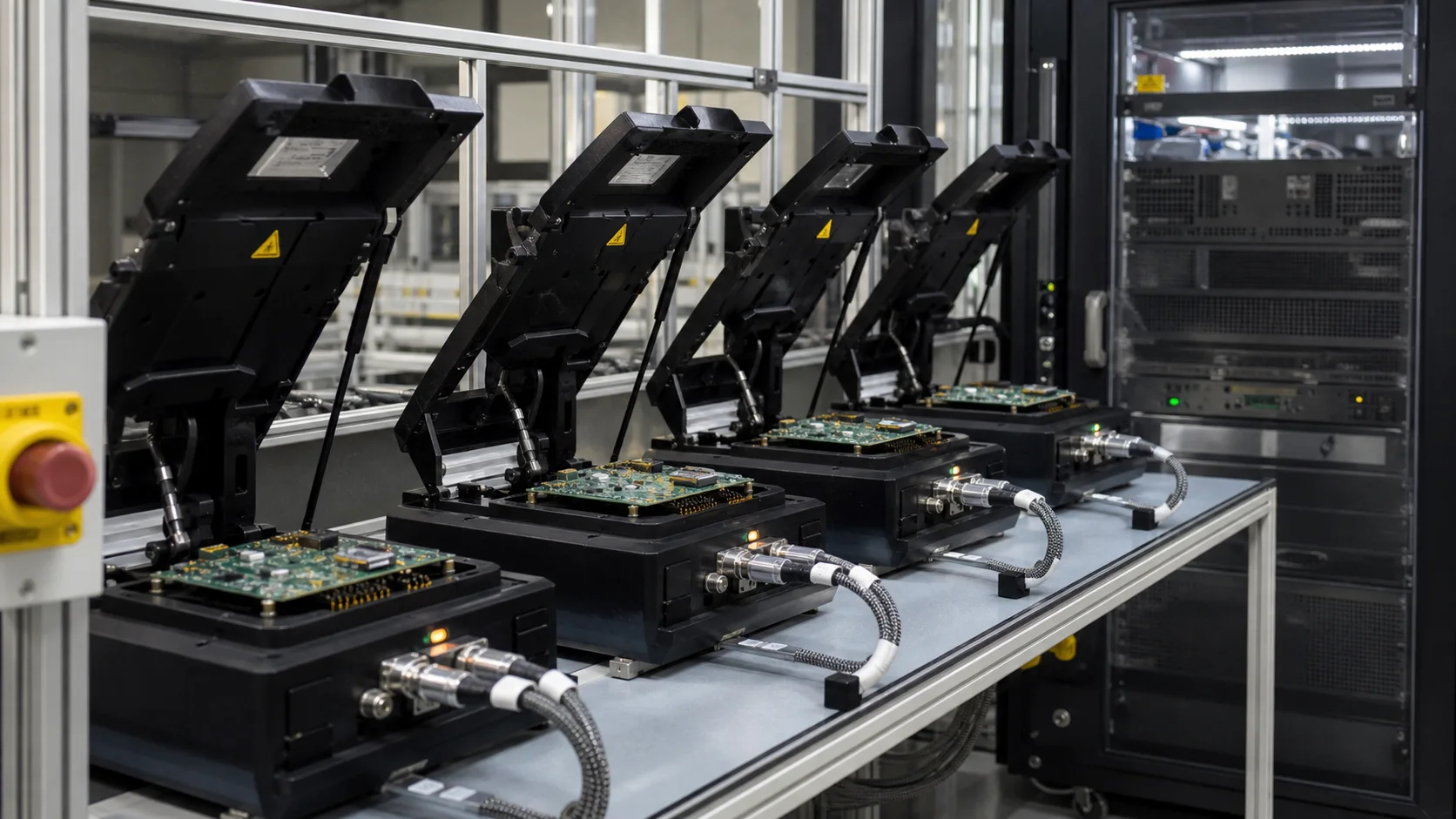
The fixture must reject unlocked units, engineering keys, prohibited debug access, and unreadable security state. Periodically send a known-bad sample through the line so a broken check cannot keep reporting green.
Frequently asked questions
Does Android Verified Boot encrypt user data?
No. AVB verifies code and read-only data integrity. Data-at-rest protection requires Android encryption and appropriate key storage. The mechanisms complement each other.
Can a custom AOSP device use AVB without Google Mobile Services?
Yes. AVB is part of AOSP and can protect a custom Android product. GMS licensing and Android compatibility are separate decisions.
Is disabling bootloader unlock enough to secure an SBC?
No. Review every boot path, including recovery, fastboot, SoC download modes, external storage, debug headers, and factory fixtures. Also secure OTA signing, ADB, application privileges, and device credentials.
The acceptance standard
Do not accept “secure boot enabled” as a checkbox. Ask the supplier to demonstrate the chain from fused or hardware-protected root to Android partitions, show the production key fingerprints, reject modified and old images, survive a failed update, and produce the factory provisioning record.
Security here is measurable. A unit either rejects unauthorized code or it does not. The hard part is maintaining that property through manufacturing, updates, service, and staff changes. Build the evidence while the product is still on the bench.
Primary references
- Android Open Source Project: Verified Boot
- Android Open Source Project: Verified Boot flow
- Android Open Source Project: Android Compatibility Definition