
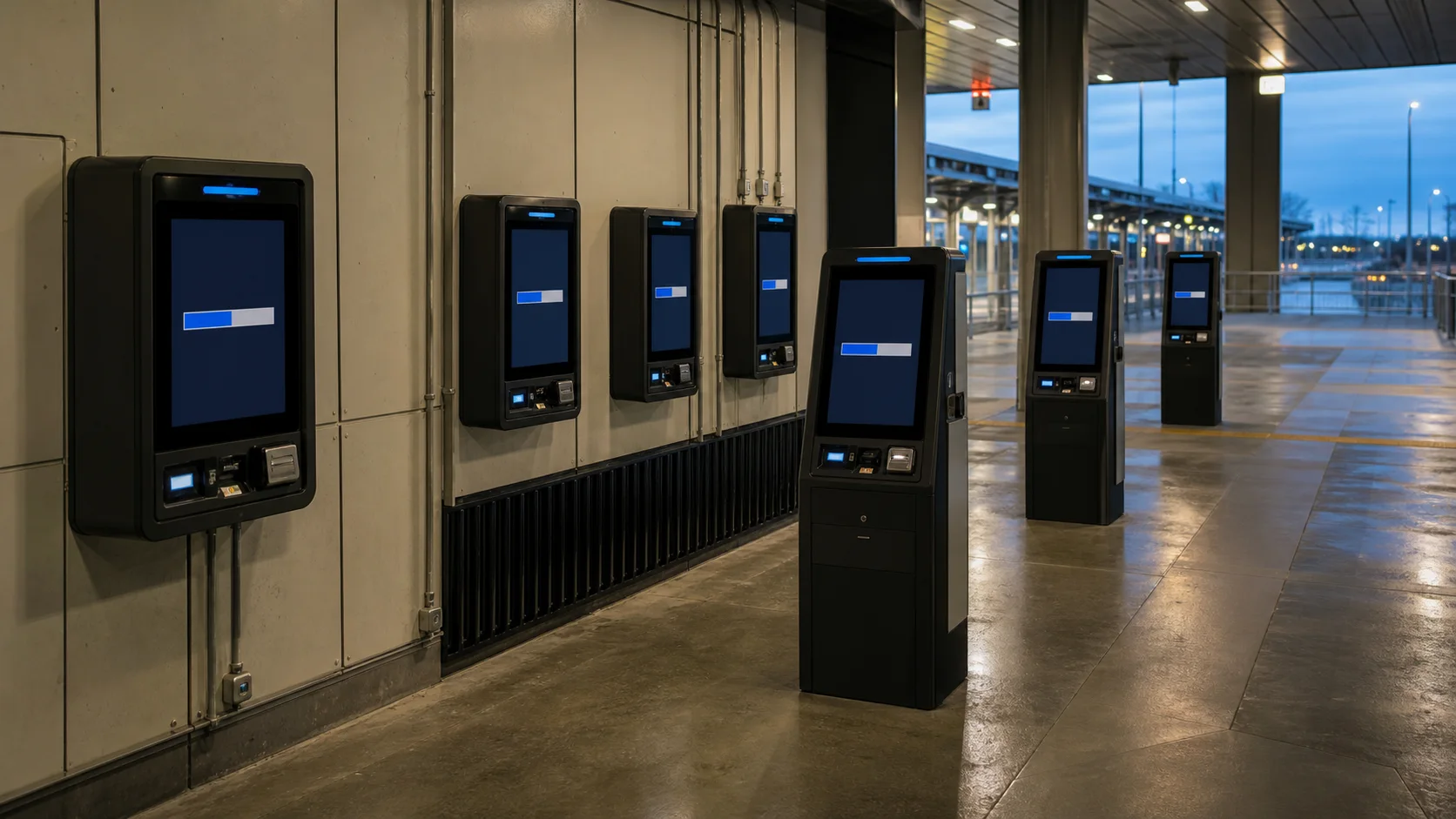
An OTA update is not successful because a device downloaded a ZIP file and rebooted. It is successful when 500 unattended units accept the image, preserve their identity and application data, survive a power cut, and return to service without a technician. I have seen update plans reach pilot production with no answer to a basic question: what happens after the new slot boots far enough to show a logo, but the main application never starts?
That gap is where Android update projects get expensive. Boot control, storage margin, rollback criteria, key custody, and recovery decide whether the fleet is maintainable.
Start with the failure contract
Before choosing an OTA mechanism, write down the states the product must recover from. Include loss of input power while downloading, while writing partitions, on the first boot, and during snapshot merge. Include a valid image with a broken peripheral driver. Also include a unit that has been offline for eighteen months and must cross several releases.
For most commercial devices, the minimum contract looks like this:
- An interrupted download can resume or restart without damaging the running system.
- An interrupted installation leaves at least one bootable software set.
- A new image is not accepted unless its signature and target product match.
- The device declares the new build successful only after product-specific health checks pass.
- A failed rollout can be stopped by cohort, not only for the entire fleet.
- Local recovery remains possible when networking and the main application are both unavailable.
Android’s A/B update design keeps the active slot untouched while update_engine writes the inactive slot. Current Android designs generally use Virtual A/B, which applies changed blocks to copy-on-write snapshots and merges them after a confirmed boot. That reduces duplicate storage, but it does not remove the need to size free space and test interrupted merges.
Choose the update architecture deliberately
The cheapest board is not always the cheapest device to update. Ask the BSP supplier which mechanism is implemented, which boot-control interface is tested, and whether a factory image can recover the partition layout.
| Update approach | Power-loss resilience | Storage cost | Rollback behavior | Suitable use |
|---|---|---|---|---|
| Recovery/non-A/B | Depends heavily on vendor recovery | Lower | Usually manual or vendor-specific | Legacy products with controlled service access |
| Legacy A/B | Strong when boot control is correct | Two sets of updated partitions | Switch back to previous slot | Mature products where extra flash is acceptable |
| Virtual A/B | Strong, including automatic fallback | Snapshot/COW overhead rather than full duplication | Fallback before success; merge after confirmation | Newer Android products with a maintained BSP |
| Application-only updater | Protects only the APK | Small | App downgrade or package rollback only | App releases between planned system OTAs |
Do not treat an application updater as a firmware strategy. It cannot repair a kernel panic, a broken display HAL, an expired device certificate stored in the system image, or a security problem below the application layer.
Define “boot successful” at product level
The bootloader knows whether Android reached a point where the slot can be marked successful. It does not know whether the kiosk can scan a barcode or whether the HMI has a working RS-485 port. A production update client should hold success until a short set of product health checks has completed.
Good checks are bounded. Confirm that the application launched, its database opened, the display mode is active, critical services are running, and the unit can reach management or a local gateway. A temporary WAN outage must not roll back a healthy image.
Set a deadline. If the product has not reached the healthy state after a known number of boots or minutes, allow boot control to return to the old slot. Record the reason before the switch if possible. “Rollback occurred” is not enough information for the next release.
One subtle failure deserves a bench test: rollback protection and slot fallback must agree. The Android Verified Boot flow warns that updating rollback metadata before a new A/B slot is marked successful can make the previous slot unbootable. This is bootloader work, not something an APK can patch later.
Budget flash, power, and time
An update runs on the same hardware that is serving users. Measure it that way. Fill /data to the worst supported level, attach normal USB peripherals, run the production UI, and throttle the network. Watch flash writes, temperature, memory pressure, and reboot duration.
Virtual A/B snapshots need working space, and the amount depends on partition changes and compression. Generate representative full and incremental packages from every supported baseline and record peak space consumption. On low-end eMMC, measure snapshot-merge time after reboot too.
Power is equally practical. The adapter, cable, PMIC, and hold-up behavior should survive the write phase. Pair this work with the site’s power-budgeting guide and test repeated interruptions on sacrificial units. One clean update on a bench supply proves very little.
Signing is an operations system
An OTA key is a production asset. Keep it out of developer laptops and CI logs. Record approvers, build and BSP revisions, target SKUs, package hash, signing identity, and test evidence with every release.
Also test rejection paths:
- correct signature, wrong product or SKU;
- damaged payload with valid metadata;
- package signed by an old or unauthorized key;
- attempted downgrade below the rollback index;
- incremental package applied to the wrong source build.
This is part of the wider Android SBC security plan. HTTPS protects transport. It does not replace package verification or a locked boot chain.
Stage releases by risk, not convenience
A sensible deployment starts with internal devices, then a small field cohort, then progressively larger groups. Cohorts should represent real hardware revisions, memory vendors, display options, networks, time zones, and workloads. Randomly selecting 1% of a fleet can miss the only revision that matters.
Track download, installation, first boot, rollback, boot count, time to healthy state, and current slot/build. Retain the last event locally until the server acknowledges it, so a post-reboot network failure does not erase its evidence.
| Gate | Example pass condition | Stop condition |
|---|---|---|
| Lab | 50 update cycles; forced interruption at each phase | Any unrecoverable unit or unexplained rollback |
| Internal fleet | All target hardware revisions represented | Health-check failures exceed agreed threshold |
| 1–5% field cohort | Stable for a full operating cycle | Crash, peripheral regression, or abnormal merge time |
| Broad rollout | Metrics remain within baseline | Revision-specific failure or support-ticket spike |
The exact thresholds belong to the product owner and support team. Decide them before pressing “release.” Moving the goalposts after failures appear makes staged rollout meaningless.
Keep a physical recovery route
Even a good OTA system needs a last-resort path. Document hardware identification, recovery entry, signed factory-image selection, treatment of device identity, and return to management. Include enclosure access and tamper-seal handling.
Keep at least two sacrificial boards for every supported hardware revision. Run destructive tests on them throughout the prototype-to-production workflow, not only before launch. Flash substitutions and BSP changes can alter update behavior without changing the product name.
Frequently asked questions
Does A/B guarantee that an Android device can never be bricked?
No. A/B protects the inactive system during installation and enables fallback, but bootloader defects, incorrect partitioning, bad rollback-index handling, failing storage, or loss of recovery credentials can still make a device unrecoverable.
Should the system image and APK be updated together?
Only when the versions are coupled. Independent application releases are faster, but the app should verify the platform capabilities it needs. For a breaking HAL or database change, package the compatibility transition explicitly and test both upgrade and rollback.
How long should the previous slot remain available?
At minimum, until product health checks pass and the update framework marks the new boot successful. Operationally, retain the previous signed release and recovery package on the server for as long as that hardware remains supported.
The engineering decision
Choose OTA capability when choosing the board, not after schematic freeze. Ask for evidence: partition configuration, update_engine results, boot-control behavior, signing flow, interrupted-update tests, and a recovery image. A supplier saying “OTA supported” is a starting point, not an acceptance result.
A robust updater is deliberately boring. It downloads slowly when the network is poor, refuses the wrong image, keeps one known-good route, reports what happened, and stops a rollout before a small defect becomes a fleet event. That behavior is worth more than a polished update screen.
Primary references
- Android Open Source Project: Virtual A/B overview
- Android Open Source Project: A/B system updates
- Android Open Source Project: Verified Boot flow