
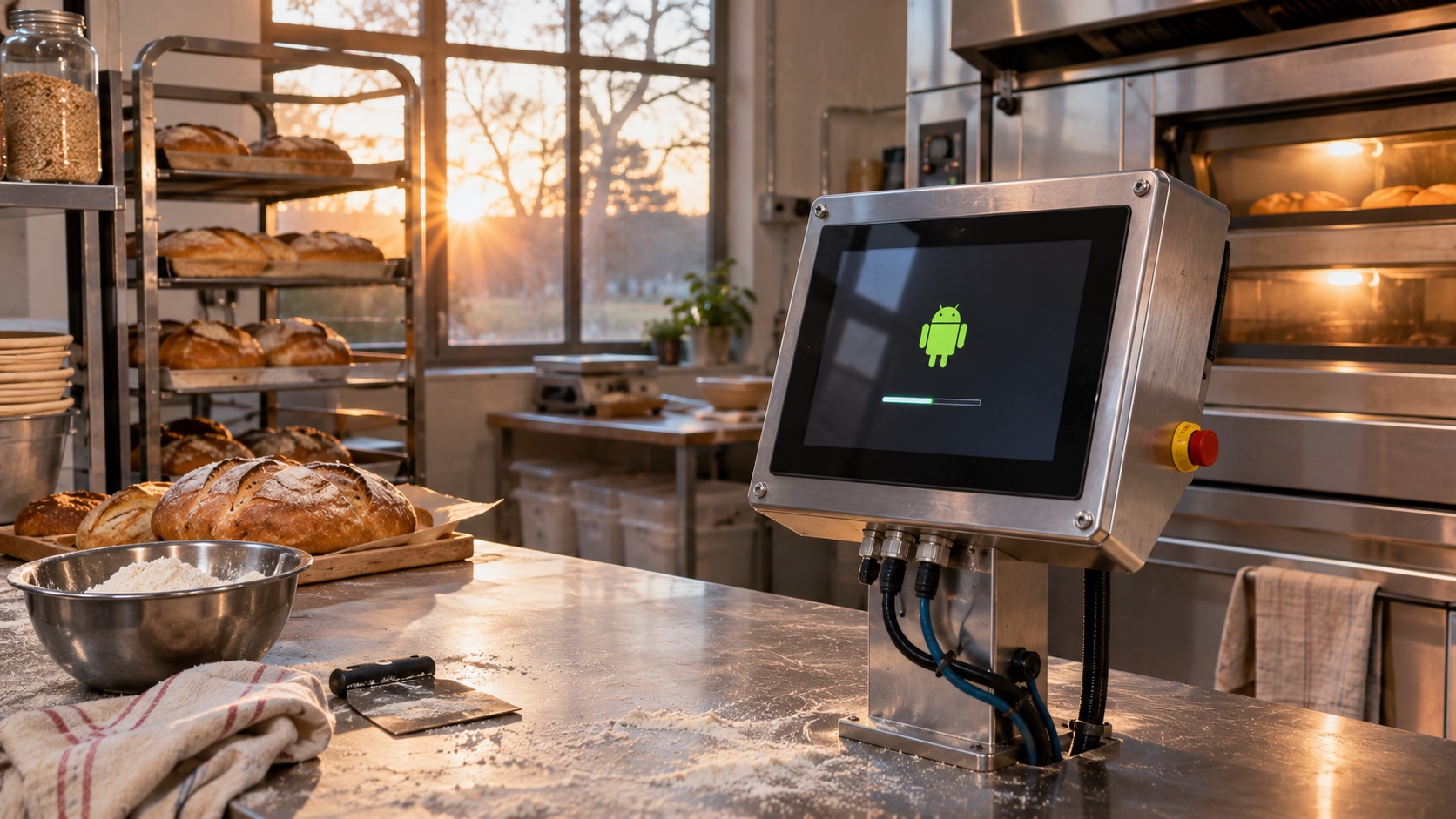
A touchscreen that shows a logo in three seconds but accepts the first useful input twenty seconds later has not finished booting. For an embedded HMI, the meaningful endpoint is the first successful product operation: reading a controller value, accepting a scan, or opening a local workflow.
Start boot optimization by measuring that endpoint from power application. Then divide the path into power stabilization, bootloader, kernel, Android services, application launch, and peripheral readiness. Optimizing a stage that is not on the critical path changes the trace without improving the product.
Define a useful boot-time contract
Write separate requirements for cold boot, warm reboot, recovery after power interruption, and first boot after an update. These operations do different work. Storage checks, package optimization, database migration, and hardware initialization can change their timing substantially.
Use a physical trigger for the start. A power-good signal or monitored input rail is more reproducible than a technician pressing a stopwatch. For the endpoint, instrument a real application event and confirm it against the visible interface. A drawn button is not ready if its service dependency is still starting.
| Milestone | Evidence | What it excludes |
|---|---|---|
| Power stable | Scope capture at board input | Adapter startup uncertainty |
| Kernel running | Timestamped serial output | Bootloader-only progress |
| Android available | Framework trace and service state | Application readiness |
| First frame | Display capture or application marker | Peripheral and transaction readiness |
| First useful operation | Completed local product transaction | Cosmetic early screens |
Choose an explicit failure limit as well as a time target. A fast boot that occasionally stops at the launcher is worse than a slightly slower repeatable boot. Record median, slow percentile, maximum, and failed attempts across repeated cycles.
Build a baseline before changing anything
Capture the production board revision, storage part, BSP build, application version, power supply, attached peripherals, temperature, and free-space state. Use the intended signed production configuration. Debug logging can change timing enough to distort comparisons.
Run cold starts after sufficient power-off time for rails to discharge. A quick cable pull can leave the display bridge, modem, or controller partly powered and turn the supposed cold start into a different experiment.
Collect bootloader timing, kernel timestamps, Android traces, application startup markers, and peripheral enumeration. Align the clocks carefully. Boot stages may use different time origins, so subtracting unrelated timestamps can create imaginary delays.
The BSP evaluation guide is useful before committing to a platform. Access to boot sources and meaningful traces determines how much optimization your team can actually own.
Find the critical dependency chain
A long stage is not always the bottleneck. Two services may initialize concurrently, with only one delaying the application. Draw the dependency chain from power to the required operation and identify which work must finish before the next stage begins.
Look for repeated timeouts, retries for absent hardware, unnecessary device probing, blocking network requests, and serial initialization of independent peripherals. A missing optional device can cost more than the entire useful hardware startup.
Do not shorten a timeout until you understand why it exists. If a peripheral occasionally needs the full interval at low temperature, an aggressive timeout will trade boot speed for field failures. Fix incorrect detection or make optional hardware initialization asynchronous.
Separate required and optional services. A warehouse scanner may need display, touch, scanner, local database, and device identity immediately. Analytics upload and log compression can wait until the first usable screen.
Optimize bootloader and kernel work selectively
Bootloader improvements may include removing interactive delays that are not required in production, reducing redundant storage scans, and configuring only the hardware needed before Android takes over. Keep an authenticated recovery path available.
For the kernel, inspect unnecessary drivers, probe failures, firmware loading, and module dependencies. Load nonessential components later only when the BSP supports that ordering and the product can tolerate delayed availability.
Removing a driver is not automatically safe because the first test unit does not use it. Check all supported hardware variants and recovery configurations. A common image may serve multiple panel, radio, or storage revisions.
Retest secure boot and update behavior after changes to the early boot chain. Speed measurements should use the same verification policy intended for shipment. Disabling verification creates an incomparable benchmark.
Make application startup deliberately small
Keep synchronous work off the first interaction path. Large database migrations, network authentication, media indexing, and loading every screen’s assets can all delay a simple home screen.
Load the minimum state required for a useful offline operation. Defer nonessential assets and background reconciliation. If the first transaction requires a remote service, show a clear connecting state with a bounded timeout rather than blocking the main thread.
Measure startup on an updated database and on an aged data set. A fresh factory image with three records does not represent a unit that has accumulated several years of transactions.
Profile the release application. Development builds, instrumentation, and attached debuggers change behavior. Verify that any startup profile or compilation strategy is supported by the target Android version and delivery workflow.
Coordinate peripheral readiness
USB scanners, serial controllers, touch controllers, and modems may become available after the application draws. Model each as an explicit state and show the user which operations are ready.
Avoid a single global sleep before enabling the interface. A fixed delay is usually either longer than necessary or shorter than the slowest real startup. Prefer readiness events with deadlines and useful failure messages.
| Dependency | Startup treatment | Failure behavior |
|---|---|---|
| Touch controller | Required before interactive readiness | Controlled error screen |
| Local database | Open and validate minimal schema | Recovery or read-only mode |
| Scanner | Initialize independently | Disable scan action with status |
| Cloud synchronization | Defer when offline operation is supported | Queue and retry |
| Telemetry upload | Run after useful readiness | Bounded background retry |
The kiosk mode guide covers the launcher and policy path. A fast application launch still needs to return to the correct managed state after updates and crashes.
Validate under the slow conditions
Repeat measurements at rated temperature boundaries, low input voltage within specification, realistic storage occupancy, and maximum attached peripherals. Include a device that has just installed an update and one recovering from interrupted power.
Track energy and thermal effects if startup uses an aggressive performance policy. A short boost may be acceptable, but the product must settle into its normal power envelope and respect thermal limits.
Keep each optimization as a separate change with before-and-after traces. When several changes are bundled, a faster result gives little information about which change helped or which one introduced a race.
Frequently asked questions
What is a good Android HMI boot time?
It depends on the product operation and user expectation. Specify power-to-usable-operation time, not only time to logo, and measure the slow tail across production conditions.
Should every peripheral start before the home screen?
Only those required for the first promised operation. Other components can initialize independently if the UI clearly represents their readiness.
Can a startup animation hide a slow boot?
It can communicate progress, but it does not reduce the time before useful work. Keep animation duration separate from the engineering requirement.
Release evidence
Ship a boot timing record with the image: measurement method, test population, conditions, percentile results, known exceptions, and recovery behavior. The next BSP or storage substitution should rerun that same record. That makes boot performance a maintained product property instead of a one-time demonstration.